8 min read
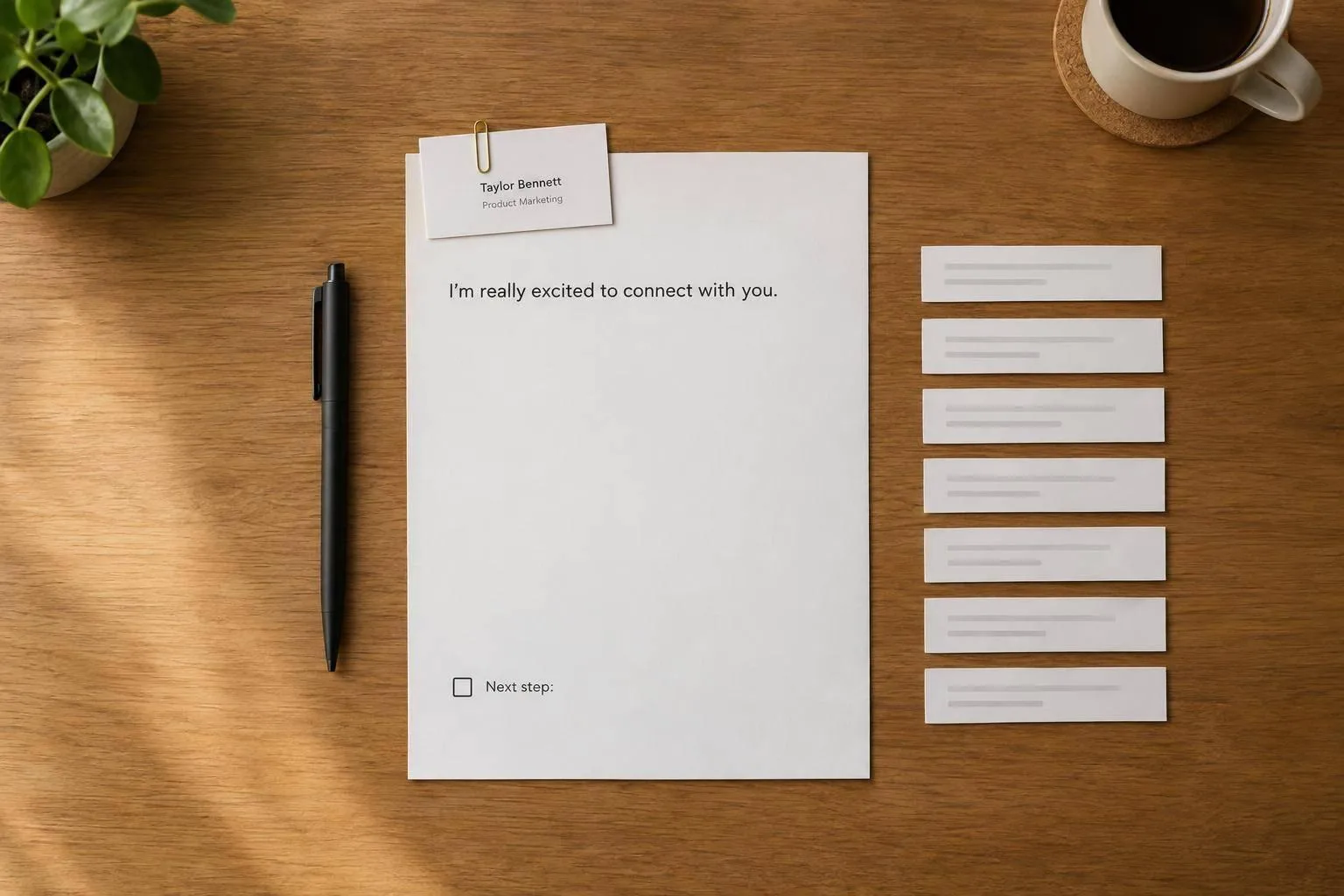
7 AI Phrases to Cut From Intro Emails
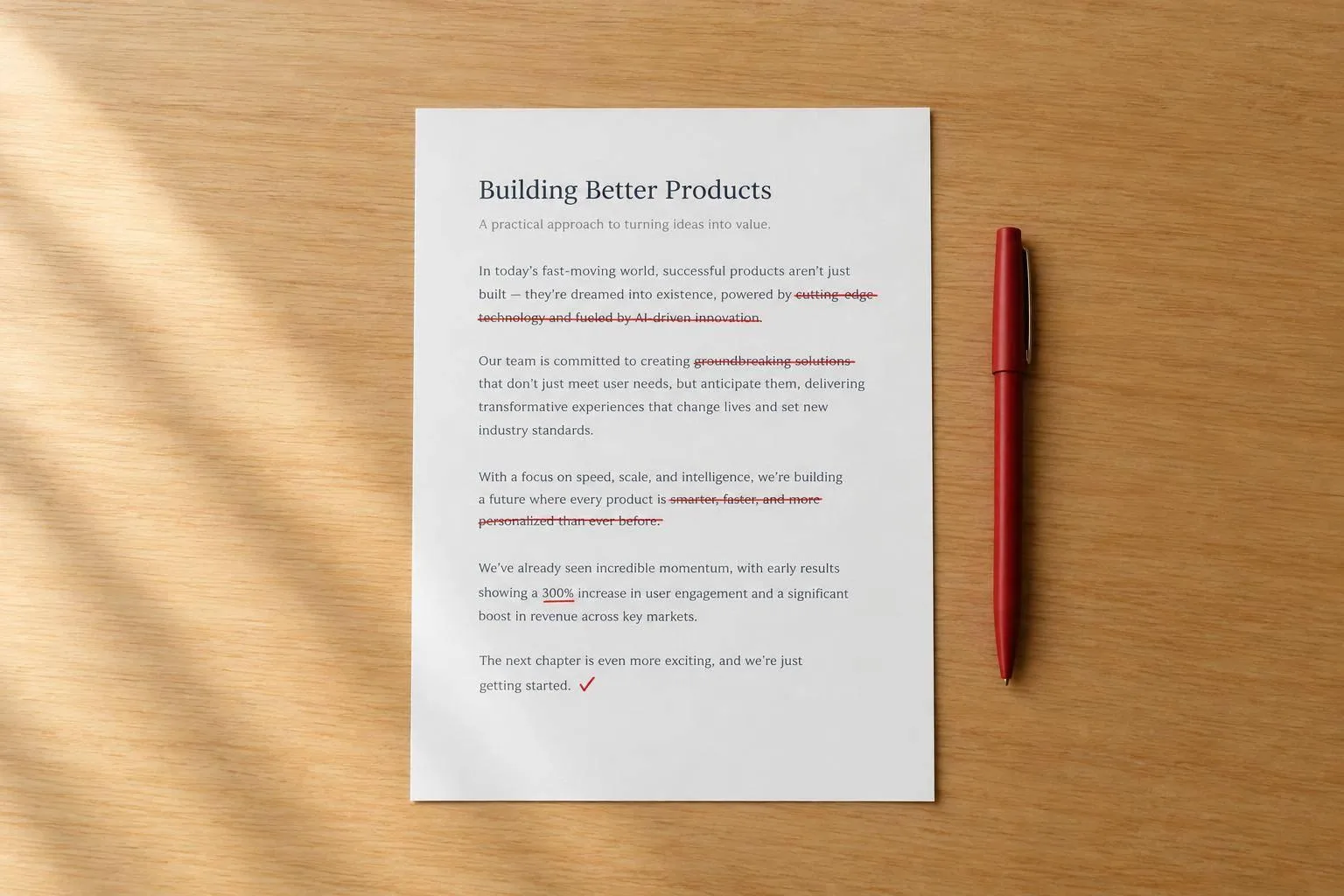
Stop the filler in intro emails: use a one-line intro, cite a specific connection, and ask one clear next step.
How to use AI on your drafts without the result reading like everyone else's.
8 min read
Stop the filler in intro emails: use a one-line intro, cite a specific connection, and ask one clear next step.
5 min read
Replace vague AI praise with specific facts, preserve voice, and verify claims to remove hype from drafts.
7 min read
Rank edits by weighted severity to target the biggest writing flaws while keeping voice and facts intact.
6 min read
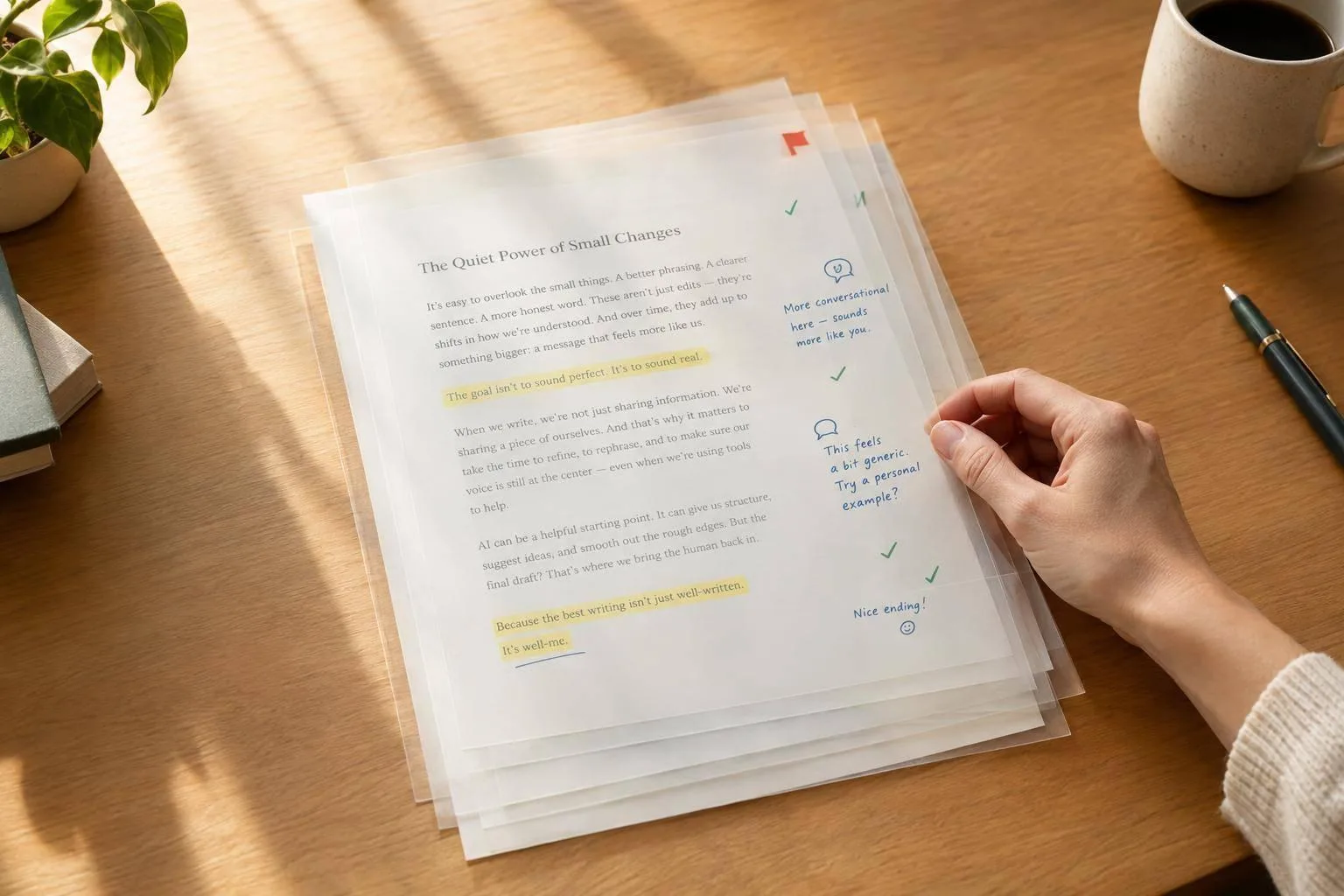
Step-by-step method to keep your voice in AI drafts: check meaning, voice, and grammar, flag drift, and make small, targeted edits.
6 min read
Pick one primary goal and two supports, protect facts, set tone and length, edit structure first, then verify with diffs.
7 min read
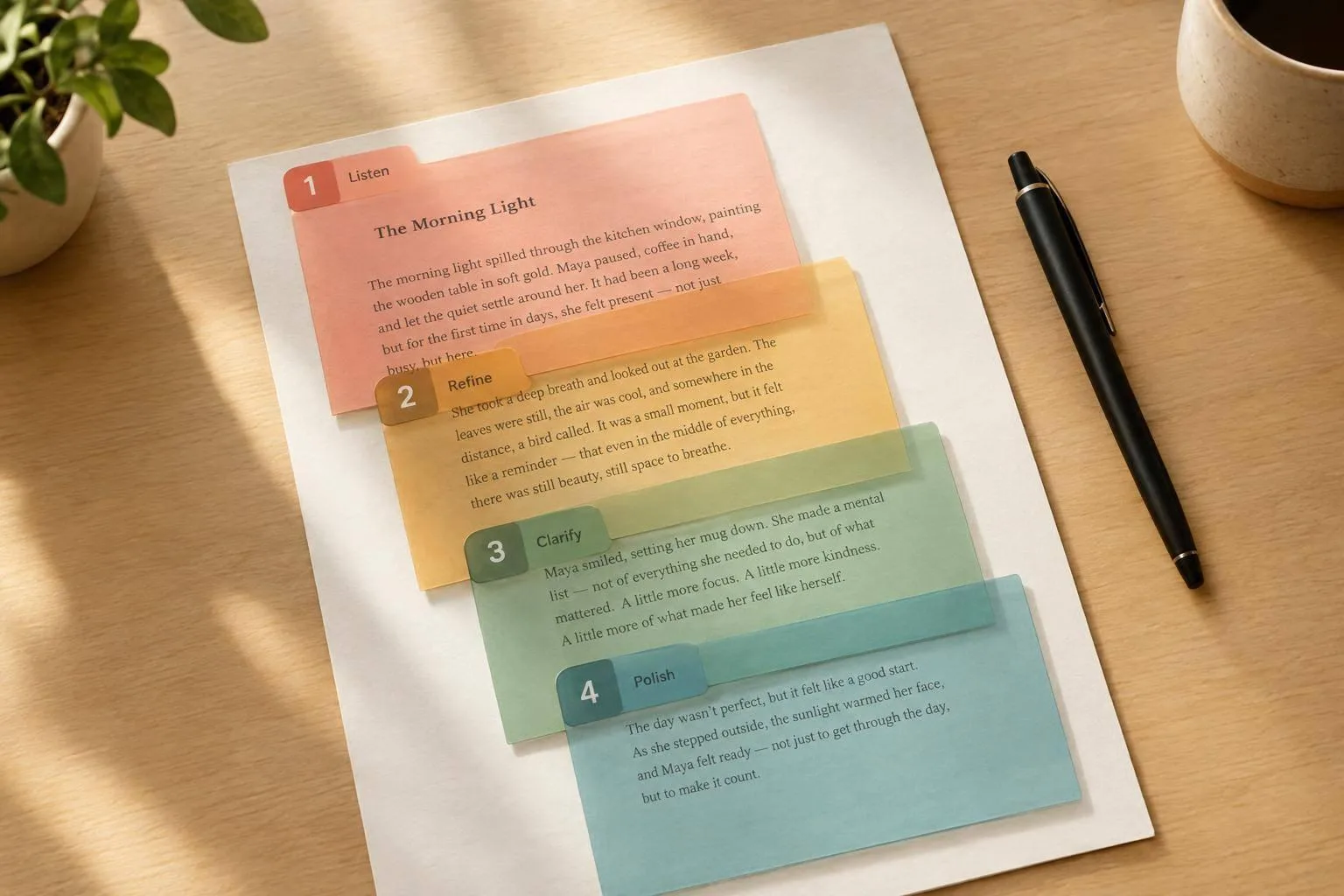
Four-step read-aloud editing workflow to fix awkward AI prose while preserving meaning, with examples, tips, and optional UnslopAI rewrites.
5 min read
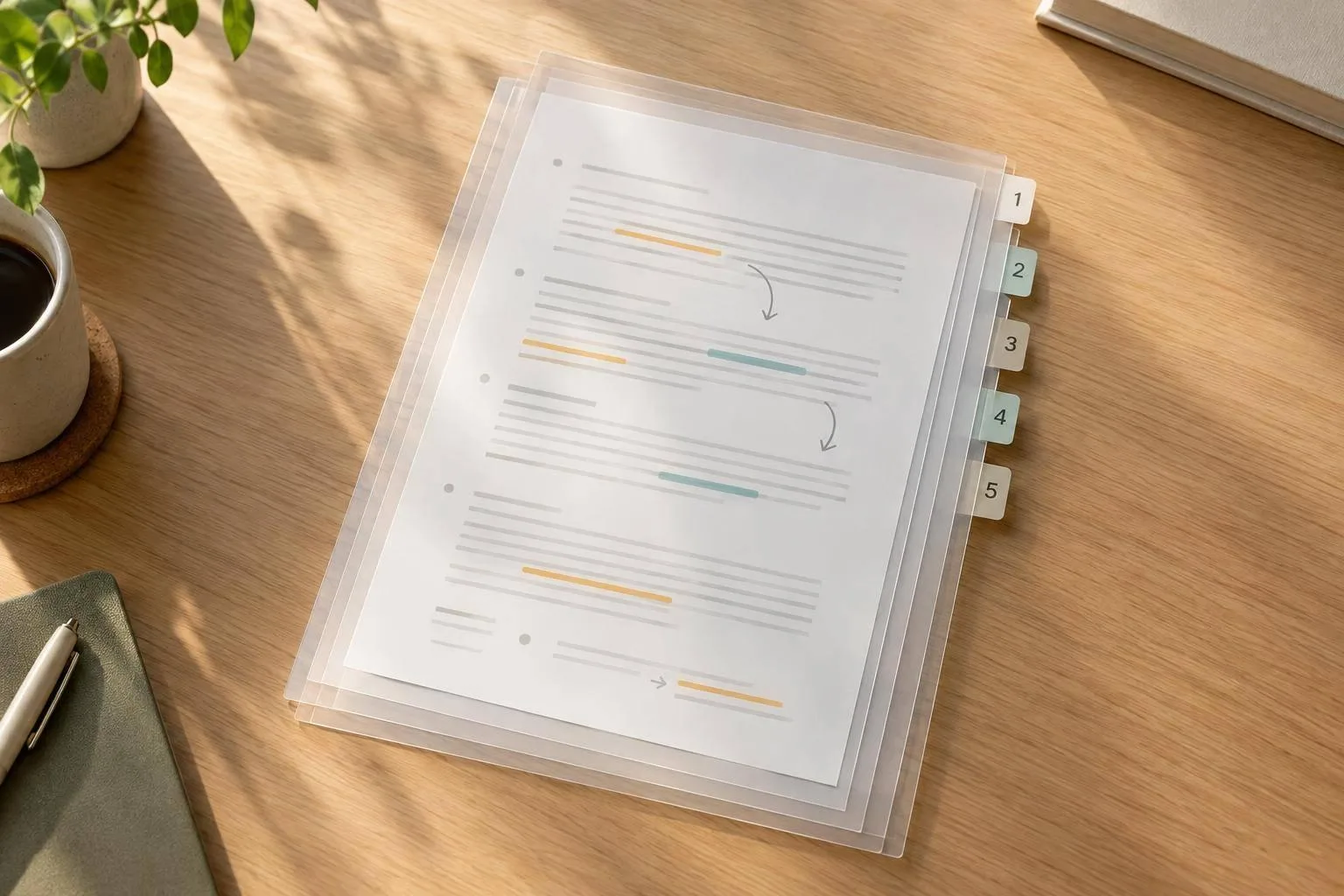
Edit AI-generated drafts section by section, preserving claims and qualifiers while improving clarity, flow, and factual fidelity.
7 min read
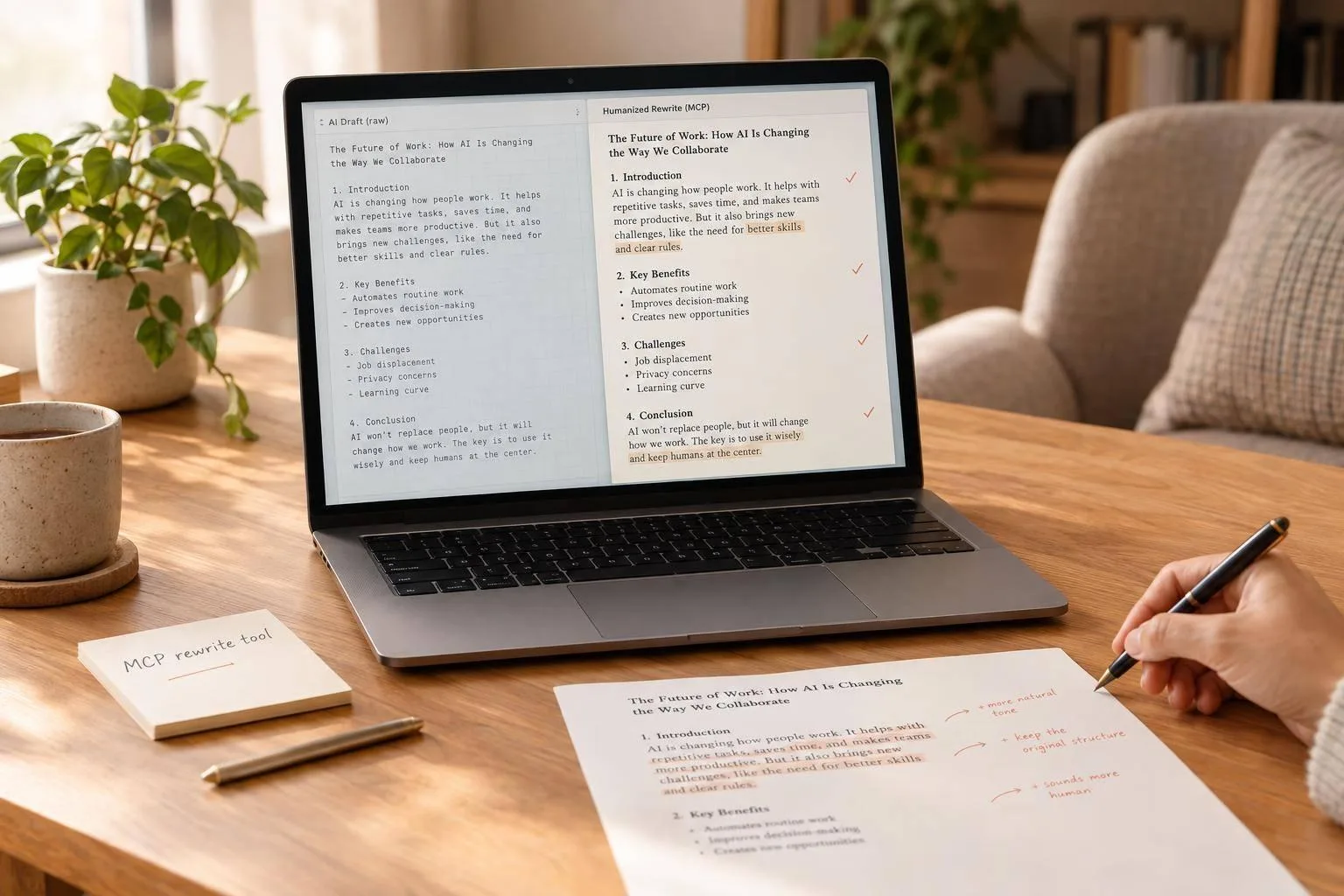
Use an MCP-connected rewrite tool to humanize ChatGPT drafts while preserving facts, voice, and formatting.
12 min read
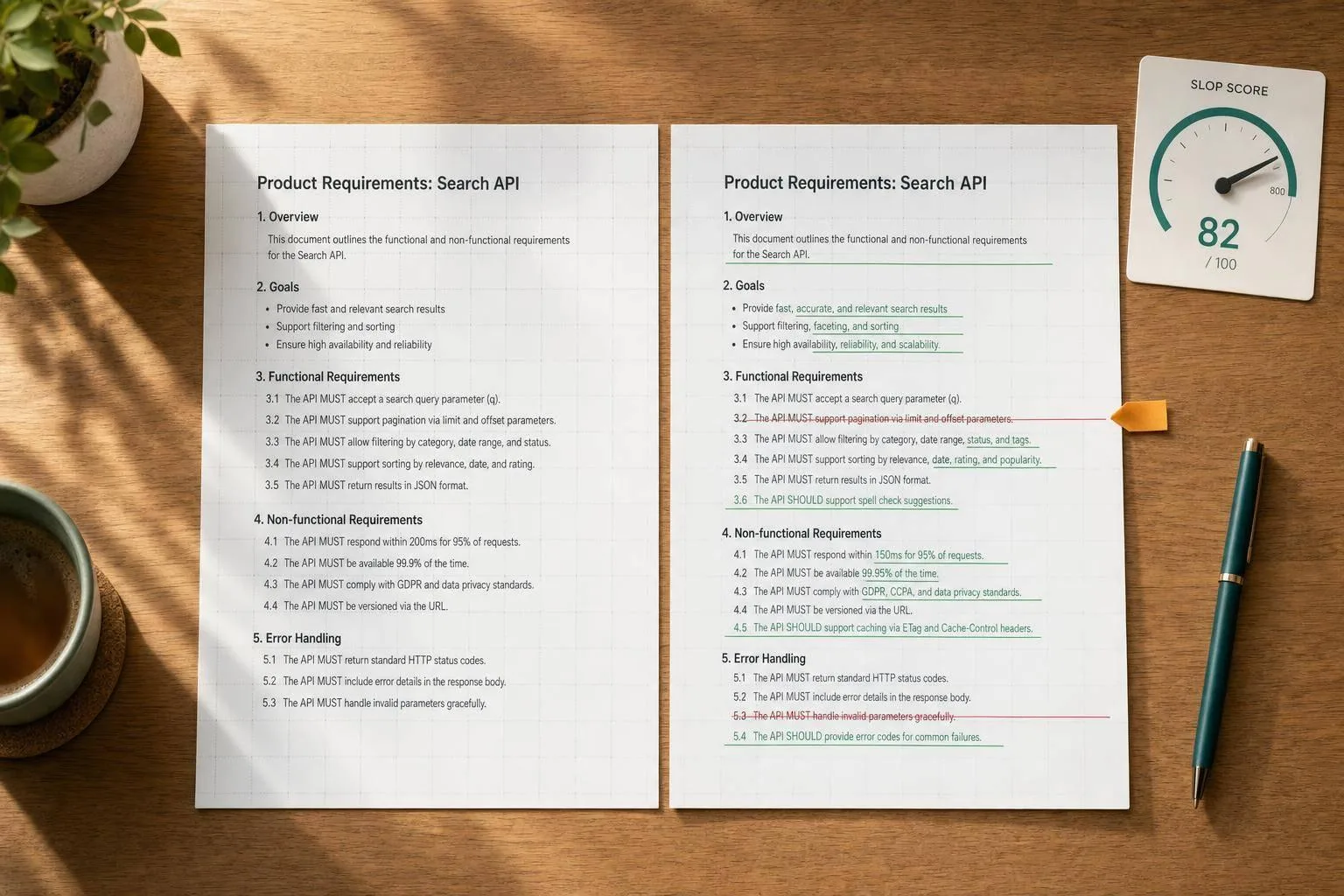
Score drafts, return machine-readable diffs, flag risky edits, and retrieve results with a fixed schema and no-op handling.
8 min read
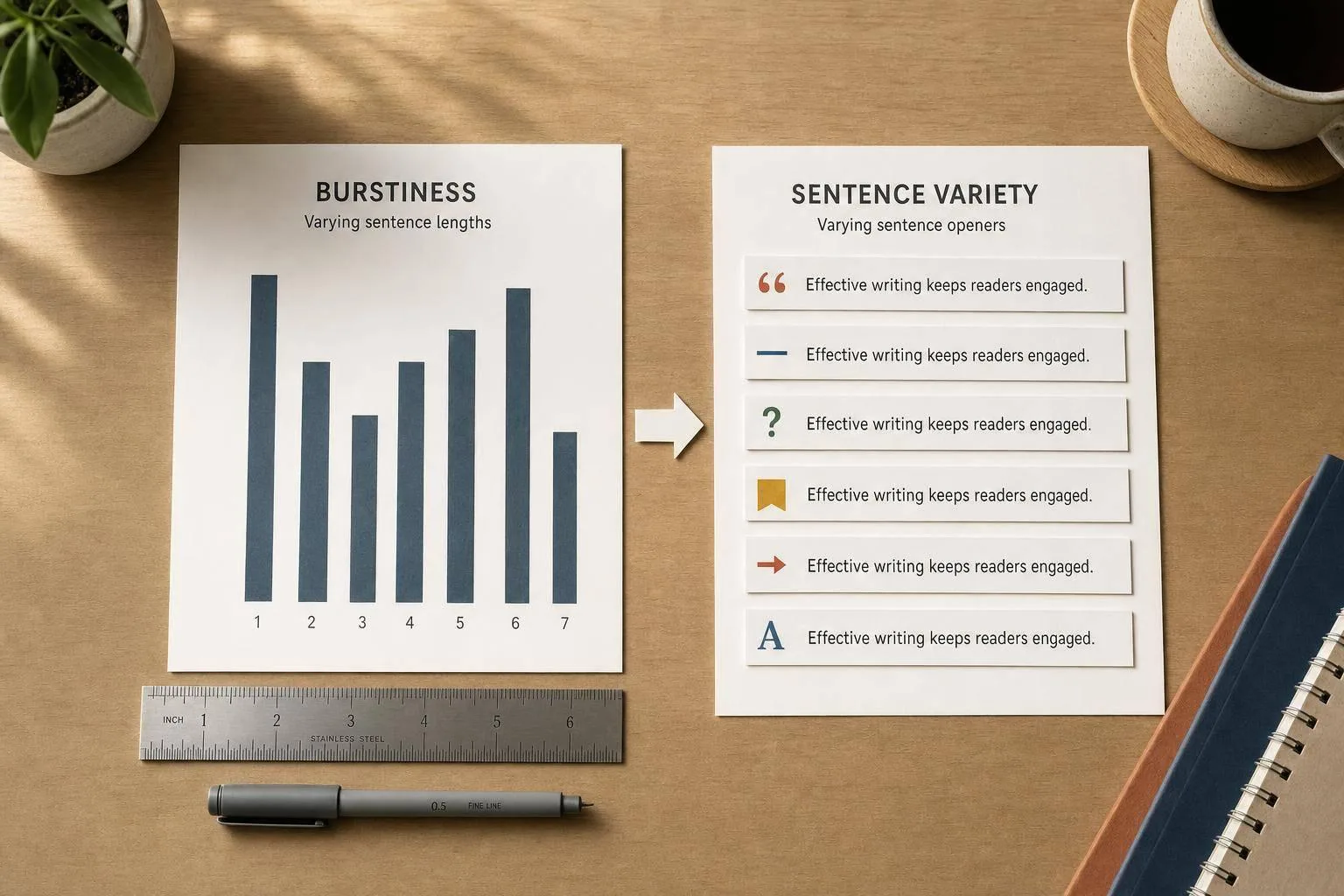
Compare burstiness (sentence-length variation) with sentence variety (openings, syntax) and learn a simple measure-then-edit workflow.
7 min read
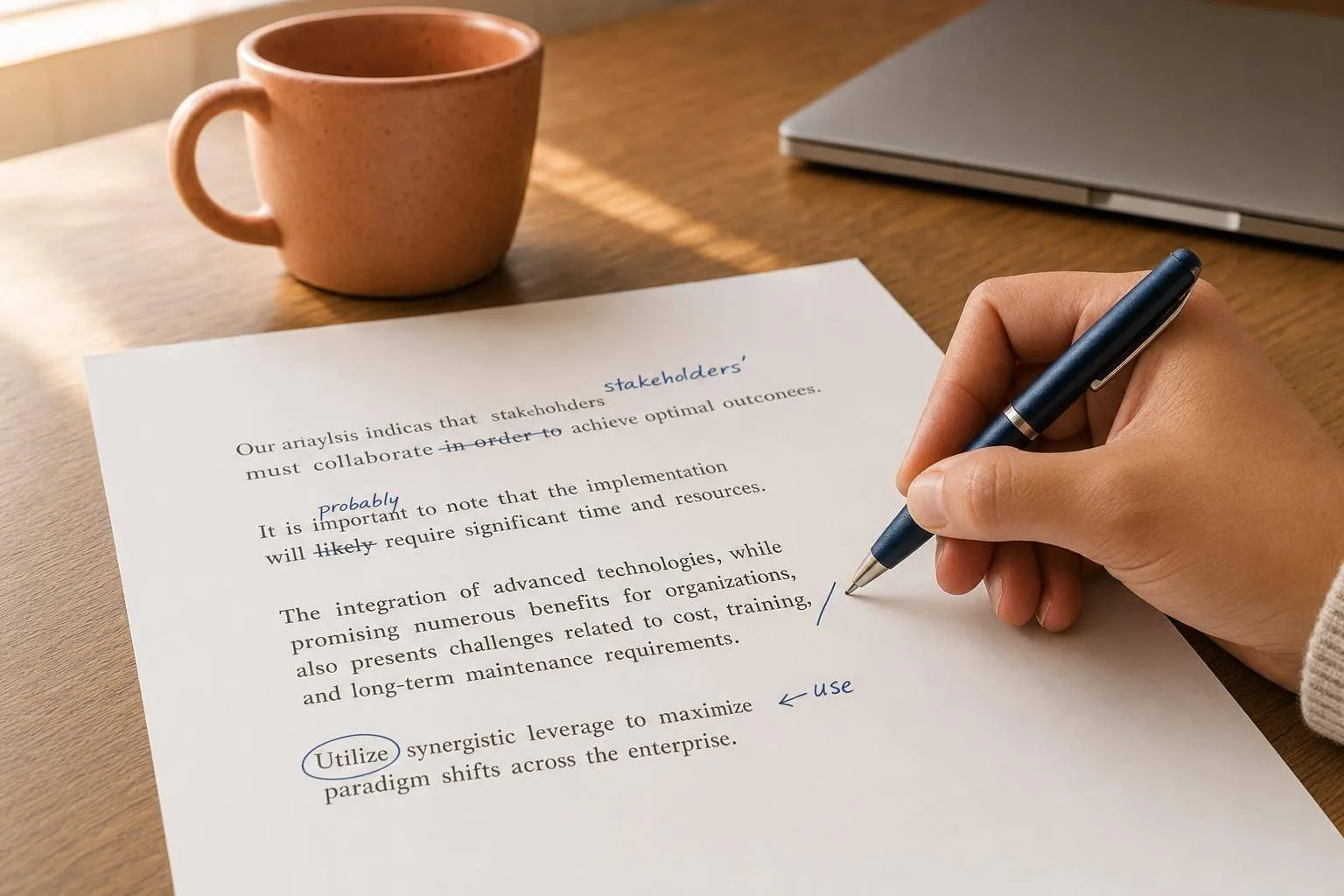
Polished AI drafts can feel cold—use four quick edits (contractions, cut fillers, varied rhythm, plain words) to humanize them.
9 min read
Five edits—match your voice, cut filler, vary rhythm, add specifics, and state your view—to make AI drafts sound human.